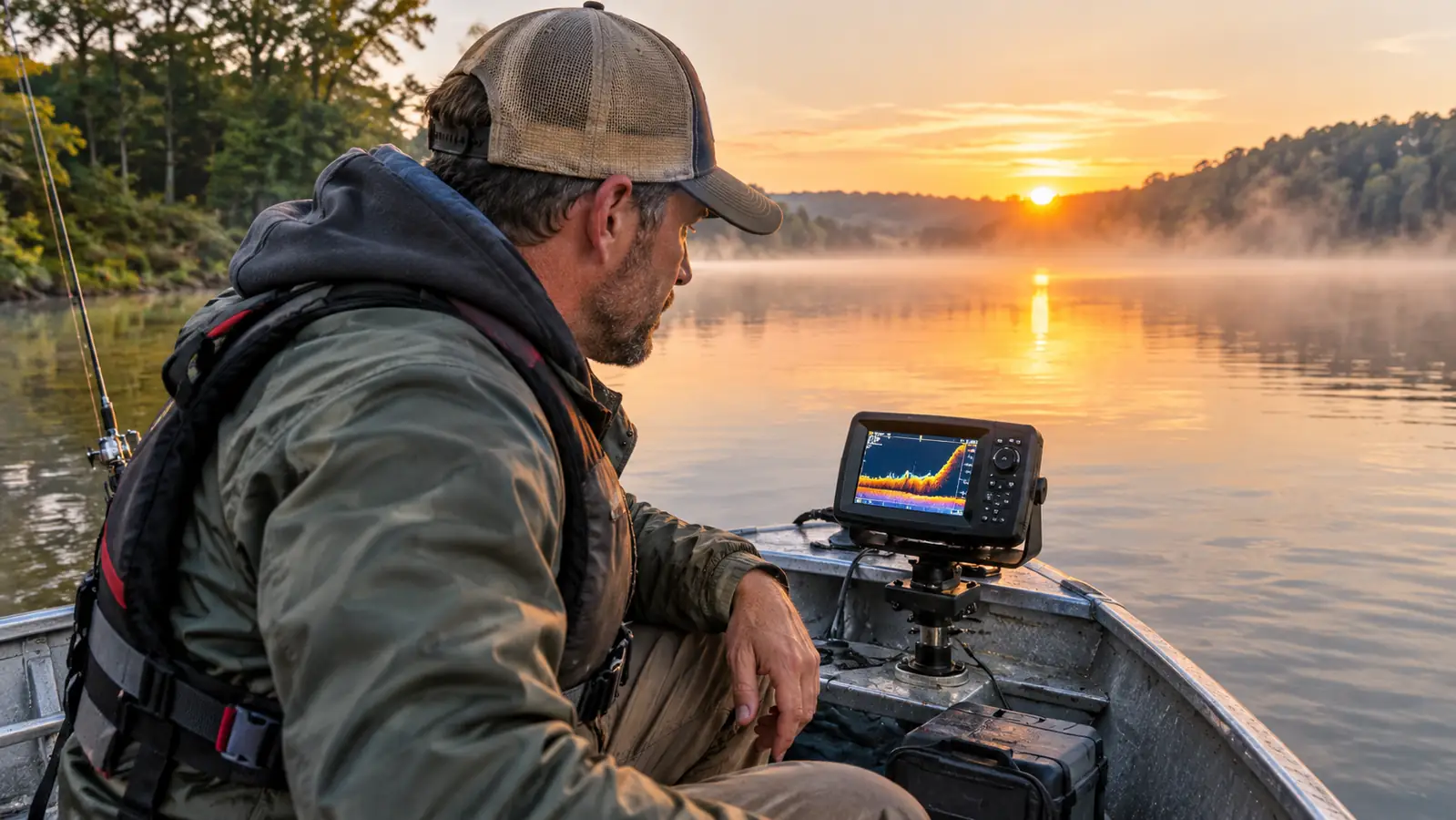
Most reservoir fishing comes down to one problem: you are fishing water you cannot see. The fish are down there somewhere, but guessing where is a game of chance, and on a big Ohio reservoir like Caesar Creek, chance will cost you most of the day. I spent years doing it the hard way, idling along, casting at whatever looked fishy and marking time until something finally hit. Then I put a Garmin Striker 4 on the front of my 14-foot jon boat and stopped guessing. That one change did more for my fishing than any lure, rod, or reel I have bought in forty-five years of chasing bass, crappie, bluegill, and catfish. I still remember the first time I marked a brush pile on the screen and caught three bass off it in twenty minutes. I was hooked on the tool, not because it was fancy, but because it worked.
This guide is not about the fancy stuff. No tournament talk, no jargon you need a decoder ring for. Just how to take a basic Garmin fish finder and use it to find fish on a reservoir, step by step, the way I actually do it from my jon boat and from the bank when I am not lucky enough to have the boat out. If you have been wondering whether a fish finder is worth the trouble, this is for you. It is. You just have to know what to do with it.
Start with a fish finder that just works
The Garmin Striker 4 is the one I keep on my jon boat. A 3.5-inch screen, ClearVu sonar, a waypoint map, and dedicated buttons you can work with cold wet fingers. No menus to fight. No learning curve to climb before you can use it. It is the plainest tool I own, and it works.
Amazon Check Today's Price on Amazon →Step 1: Learn what the screen is telling you
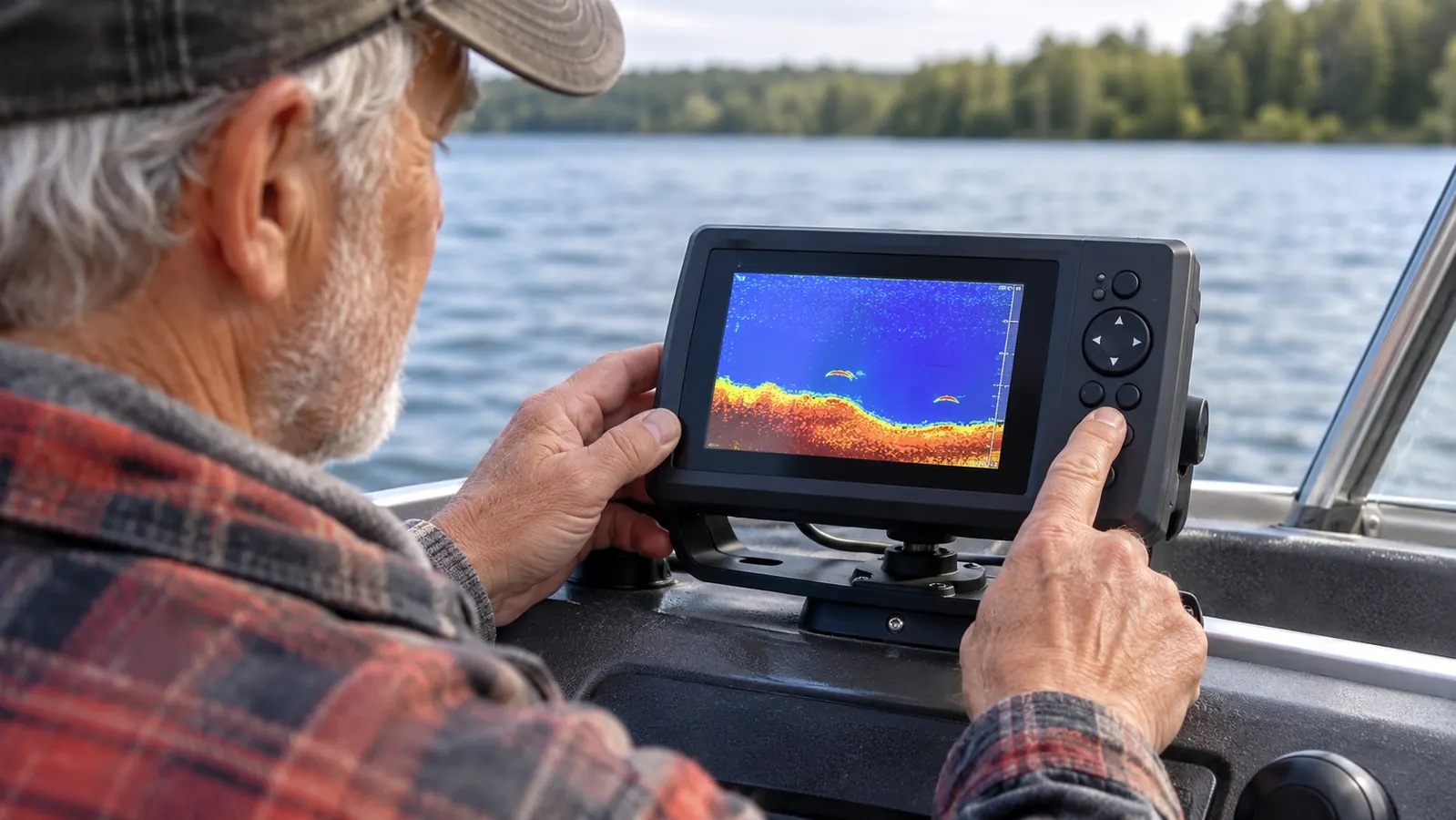
Before you can find fish, you have to be able to read what the fish finder is showing you. The Striker 4 has a 3.5-inch LCD display, which sounds small until you realize you are not watching television. You are reading a map of what is under your boat. The bottom shows up as a solid line. Fish show up as marks between the bottom and the surface. Structure, like a brush pile or a stump, shows up as a cluster of marks that does not move the way fish do. Once you can pick out the bottom and the fish, everything else is just details.
The Garmin uses CHIRP sonar and ClearVu scanning sonar, which is a lot of technology packed into a small unit. What it means for you is simple: you get a cleaner picture of what is down there. A stump looks like a stump, not a smudge. A school of crappie shows up as a cloud of marks instead of one confusing blob. You do not need to understand how it works. You just need to trust what it shows you and check it against what you catch. And when the picture is clean, you trust it. When you trust it, you fish the spots it shows you instead of drifting past them.
The Striker 4 is rated to 1600 feet of maximum depth, which is far deeper than any reservoir I fish in Ohio. Most of my fishing happens in 10 to 60 feet of water. That is good news. It means the unit is working well within its limits, and the picture stays sharp even when I am idling along looking for a new spot. If you are new to this, spend your first trip just watching the screen. Do not even fish. Just run around the lake and look at what the bottom looks like in different places. You will learn more in one afternoon of watching than in a month of guessing.
Step 2: Mark the places fish live before you need them
Here is the part that changed my fishing more than anything else: the waypoint map. The Striker 4 lets you mark a spot on the map and come back to it later. I mark brush piles, stumps, docks, and any piece of structure that holds fish. When I find a spot that produces, I drop a waypoint. When I find a spot that looks good but is not producing that day, I drop a waypoint anyway. Fish move, but structure does not, and the map remembers what my memory will not. The memory in my head has let me down plenty. The memory in the unit has not.
On a reservoir, most of the fish are tied to something. A brush pile on a point. A stump row along an old fence line. A dock with a deep drop-off beside it. The old river channel that runs down the middle of the lake. These are the places fish live, and the waypoint map is how you keep track of them. Without it, you are trying to remember a spot on a lake that all looks the same from the water. With it, you are building a file of places that have produced before, and places that probably will again.
I mark waypoints the way some men collect tools. I have spots on Caesar Creek I have been fishing for years, and the waypoint map is the only reason I can find them again. My grandson Caleb thinks it is funny that I name them things like brush pile north and stump row by the ramp. It is not funny when we idle right over a spot I marked three years ago and catch fish on the first cast. That is the whole point of the exercise. Caleb is thirteen now and he has started marking his own spots when I am not looking. That is how you know the habit took.
Step 3: Slow down and cover water in a grid
Most people run a fish finder too fast. They blast across the lake at full throttle, glance at the screen, and decide there are no fish in the reservoir. The truth is they blew right past them. Fish finders work best at slow speeds. When I am searching new water, I run my trolling motor and cross the lake in a grid pattern, back and forth, the same way I used to mow my yard when I still had a yard to mow. Speed is the enemy of a good sonar picture. The faster you go, the less time the sound has to bounce off the bottom and come back, and the more the screen looks like static.
The key is overlap. I make my passes close enough together that I am not missing strips of water between them. On my 14-foot jon boat, that means passes about 30 to 40 feet apart. It takes time. That is the part most people do not want to hear. Finding fish on a reservoir is not a five-minute job. It is an hour of slow, patient crossing until the screen starts to show you where the fish are holding. The guys who catch fish on reservoirs are the ones willing to be bored for a while. I would rather cover one cove slowly than three coves fast. The slow cove will show you fish. The fast three will show you nothing but water.
When I do find something, I slow down even more. I circle back over the spot and watch how the marks look from different angles. A single fish sitting tight to the bottom is often a bass holding on a spot. A cloud of marks suspended off the bottom is usually crappie or white bass. The more passes I make, the better I understand what I am looking at, and the better my next cast is. The screen is not there to entertain you. It is there to inform you.
Step 4: Read the bottom for structure changes
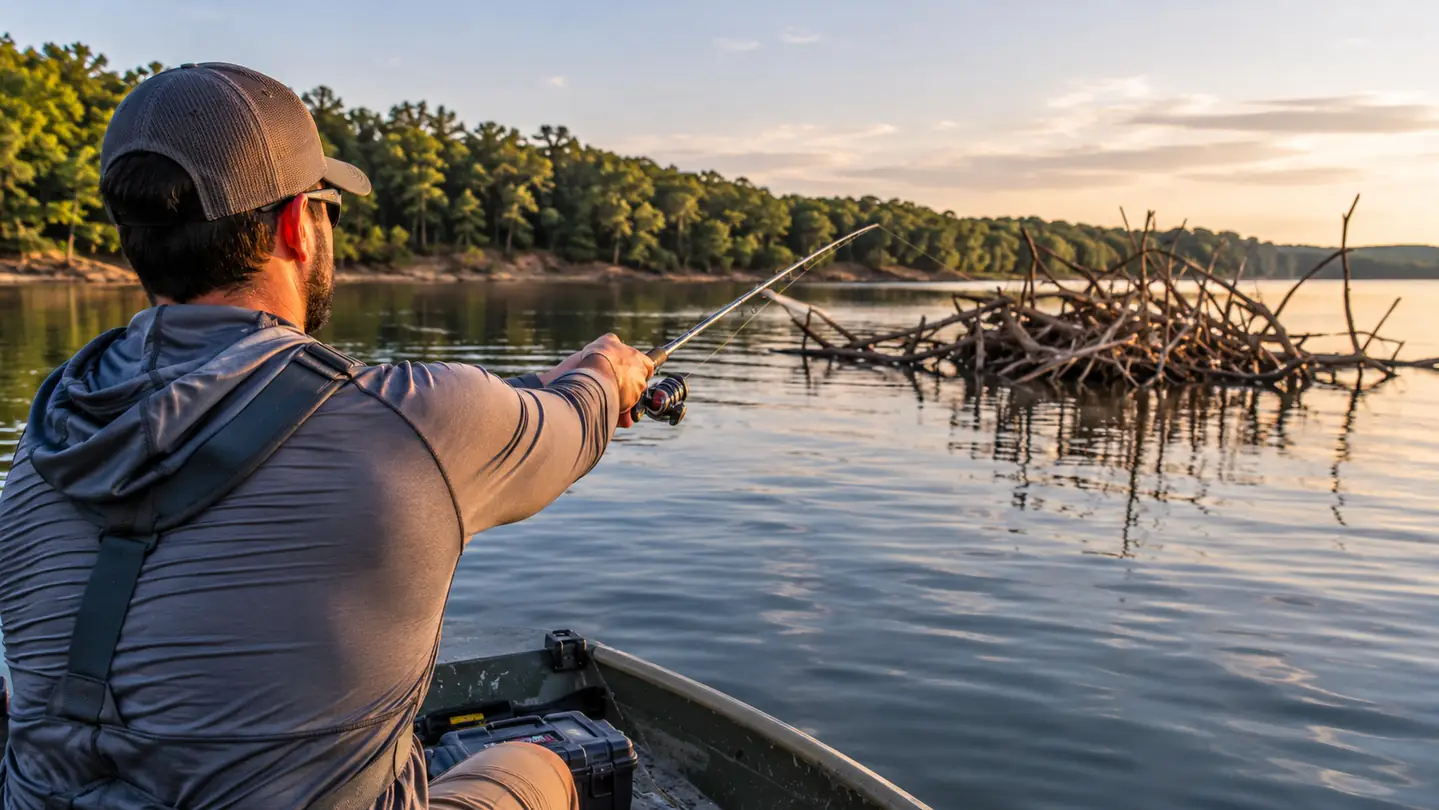
Reservoirs are flooded land. Underneath the water is an old creek bed, old fields, old roads, and all the structure that was there before the dam went in. The fish know this. They relate to it. Your job is to find the places where the bottom changes, because that is where the fish stack up. A flat, featureless bottom holds few fish. A bottom with breaks and edges holds a lot.
The two things I look for are points and drop-offs. A point is a piece of bottom that juts out into the lake. Fish use them like highway rest stops, especially in the spring and fall. A drop-off is where the bottom suddenly gets deeper. The old river channel is the biggest drop-off on the reservoir, and it holds fish all summer when the water gets hot and the fish go deep to find cooler water and more oxygen.
Your fish finder shows you all of this if you slow down and watch. The bottom line on the screen will show a gradual slope, then a sharp break. That break is where I want to fish. I mark it with a waypoint, then I work the edge of it, casting parallel to the drop-off rather than straight over it. It sounds like a small thing. It is the difference between casting at water and casting at fish, and it is the difference between a slow day and a good one. I have caught more fish on the edge of a break than anywhere else on the lake. The edge is where the baitfish gather, and where the baitfish gather, the bass and crappie are not far behind.
Step 5: Work the fish once you mark them
Finding fish on the screen is not the end of the job. It is the beginning. When I mark a school of crappie or a bass holding on a brush pile, I do not just drop anchor on top of them. That spooks them. I idle past the spot, drop a waypoint, then circle back and position the boat so I can cast to the spot without running the trolling motor over it. The less disturbance, the better.
Then I slow down and fish it properly. I give a spot 15 to 20 minutes before I write it off. A lot of anglers make one cast, catch nothing, and leave. Fish do not always hit on the first presentation. Sometimes they need to see the bait a few times. Sometimes they are not feeding and nothing you do will change that. But if I marked fish on the screen, I know they are there, and that knowledge keeps me fishing the spot longer than I would have without the finder. Patience is the cheapest thing you can bring to a reservoir, and the thing most people leave at the ramp.
Caleb and I caught some of our best fish this way. We mark a spot, work it slow, and when the fish turn on, we are already there. That is the real value of a fish finder on a reservoir. It does not catch the fish for you. It puts you in the right neighborhood, and it keeps you there long enough to get bit. The rest is up to you and the fish. Some days the screen is full of fish and they will not touch a thing. Some days it is empty and you catch them anyway. The finder does not make you a better angler. It makes you a better informed one, and that is enough.
What Else Helps
A fish finder is a tool, not a guarantee. A few things make it work better. Keep the transducer tight on the transom. A loose transducer gives you a shaky picture and makes you think there is something wrong with the unit when there is not. Keep the screen clean and the battery charged. The Striker 4 is battery powered and weighs 8 ounces, so it is easy to move between boats if you have more than one. I take mine off the jon boat in the winter and use it on the ice, and it has handled years of that without a complaint. A fish finder that is not maintained is just a screen that does not work. Ten minutes of care at the end of the day saves a lot of cussing at the start of the next one.
Learn the buttons one at a time. The Striker 4 has a keyed interface with dedicated buttons, which means you do not have to dig through menus to do the basic things. That is worth more than any feature on paper. When you are out on the water with cold fingers and the fish are biting, you do not want to be scrolling through settings. You want to hit one button and know exactly what is going to happen. The Garmin is built for that.
Finally, fish the edges of the day. The fish finder will show you where the fish are, but it will not make them bite at noon in July. Early morning and late evening are when the fish are most active, and that is when the spots you marked will pay off. The finder gets you there. The timing is up to you. Pair the tool with good hours and patient casting, and you will catch more fish on your home reservoir than you thought was in it.
When I find a spot that produces, I drop a waypoint. When it is not producing that day, I drop one anyway. Fish move, but structure does not.
That is the whole system. Read the screen, mark the structure, cover the water slow, work the breaks, and give the fish time to bite. It is not complicated, and it does not need to be expensive. It just needs to be done, trip after trip, until finding fish on a reservoir becomes the normal way you fish instead of the lucky way. The Garmin Striker 4 has been my partner in that for years, and I would not go back to guessing.
Put a Striker 4 on your boat and stop guessing
If you fish a reservoir from a small boat, the Garmin Striker 4 is the cheapest fishing upgrade I know. You will spend less time running around blind and more time casting at fish you actually marked. That is the whole job, and it is worth doing right.
Amazon Check Today's Price on Amazon →